
Start with the day-to-day problem.
A scheduled passenger journey depends on more than a pickup time. The operations team needs to coordinate passengers, drivers, vehicles and destinations, while parents and carers need clear information about the journey and a route to ask for help. The design challenge is to support both perspectives: a detailed operational overview for staff and an approachable entry point for families.
Give the experience a clear structure.
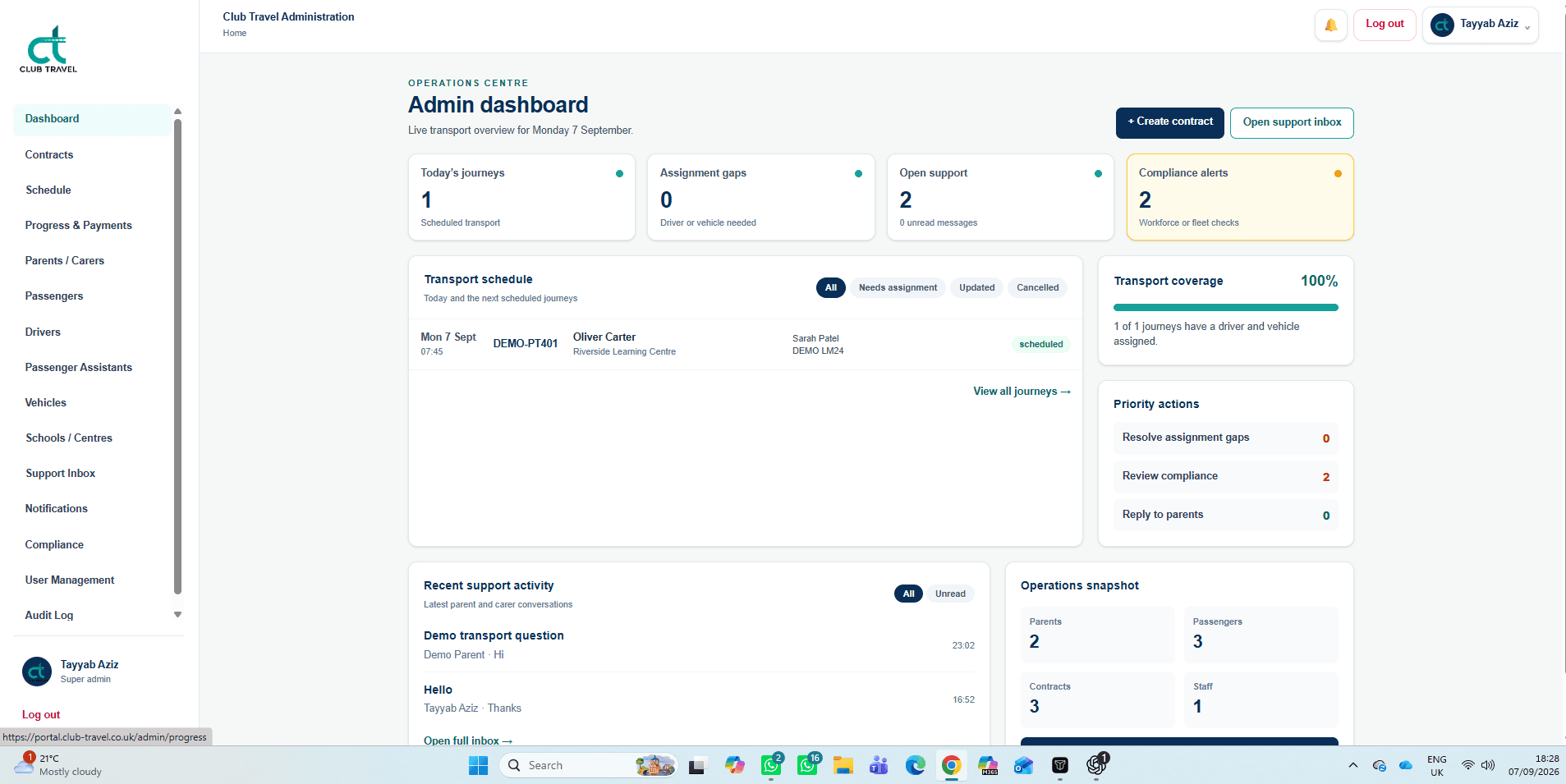
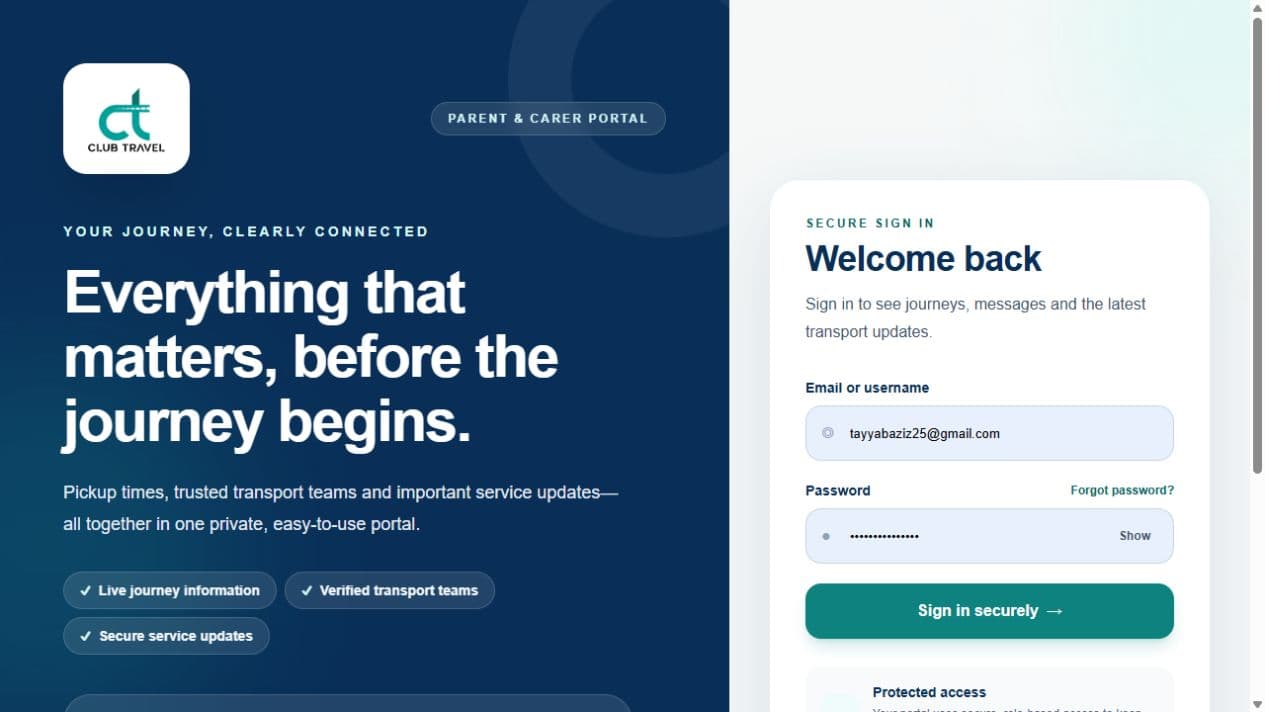
Club-Travel Portal presents two complementary experiences. The parent and carer sign-in page introduces journey information, transport teams and service updates, with a sample morning collection showing the information families can expect. The administration dashboard focuses on today’s journeys, assignment gaps, open support and compliance alerts. This gives each audience a clear starting point within the same platform.
The details behind the interface.
Journey scheduling and coverage
The transport schedule lists journeys with passenger, destination and assignment information. Filters separate journeys that need assignment, have been updated or are cancelled. A transport-coverage panel summarises driver and vehicle allocation.
People, fleet and contracts
Dedicated navigation covers contracts, parents and carers, passengers, drivers, passenger assistants, vehicles and schools or centres. These areas reflect the people and resources that need to come together for a scheduled service.
Support alongside operations
The dashboard places recent support activity beside the transport overview. Staff can open the support inbox and see priority actions for replying to parents, resolving assignment gaps and reviewing compliance.
A focused family entry point
The public portal introduces pickup details, transport information and updates in plain language. Sign-in, password recovery and support contact options are grouped together, with access intended for authorised parents, carers and staff.
A workspace with a defined purpose.
The product brings transport scheduling and family communication into a connected experience. Staff can see service coverage and outstanding actions from the dashboard, while the family-facing entry point sets out where to find journey information and support. The supplied operations screen contains demonstration records; its counts and coverage percentage are not performance claims.
Discuss your project goals